

Speakeasy SDK Repository Changes
In your Speakeasy SDK repos, add the following to thetargets section of your .speakeasy/workflow.yaml file to ensure code samples are automatically produced alongside SDK generations.
.speakeasy/workflow.yaml
Mintlify Docs Repository Changes
The workflow files produced will automatically bundle your source OpenAPI spec and Speakeasy code samples into a single output file,openapi.yaml. Mintlify will use this output file when constructing your API reference.
Interactive CLI Set Up
Run the following commands to set up the.speakeasy/workflow.yaml and .github/workflows/sdk_generation.yaml files through the interactive Speakeasy CLI.
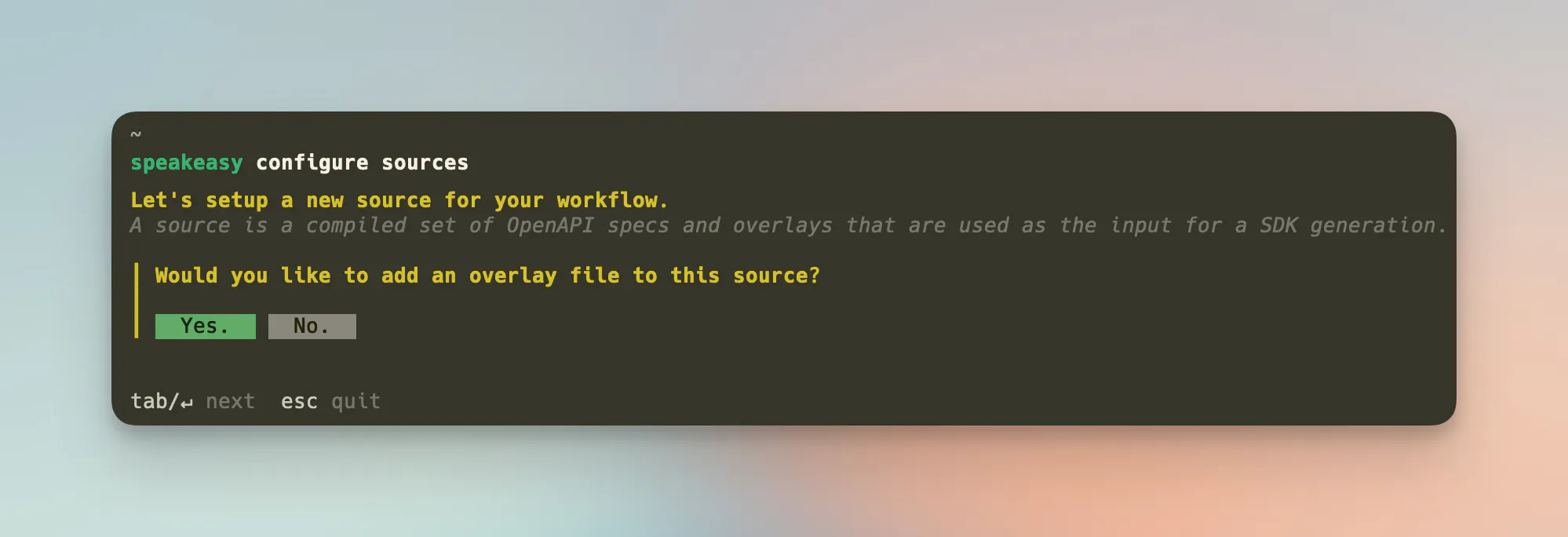
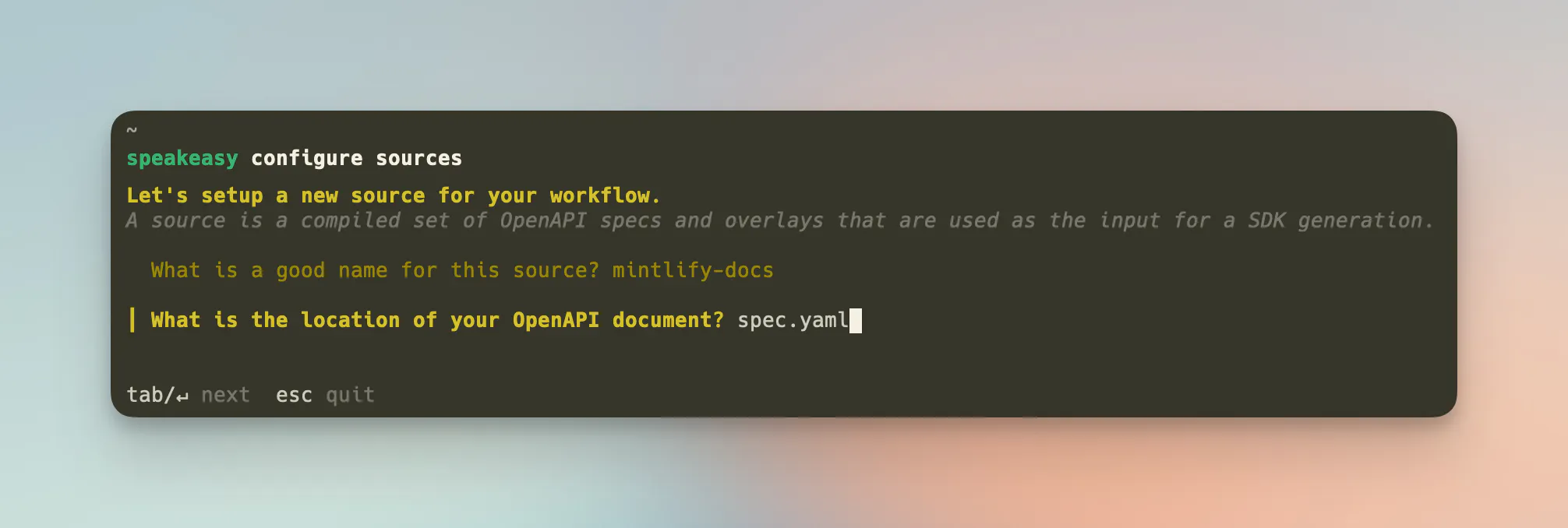 Add the overlay created by Speakeasy to inject code snippets into your spec.
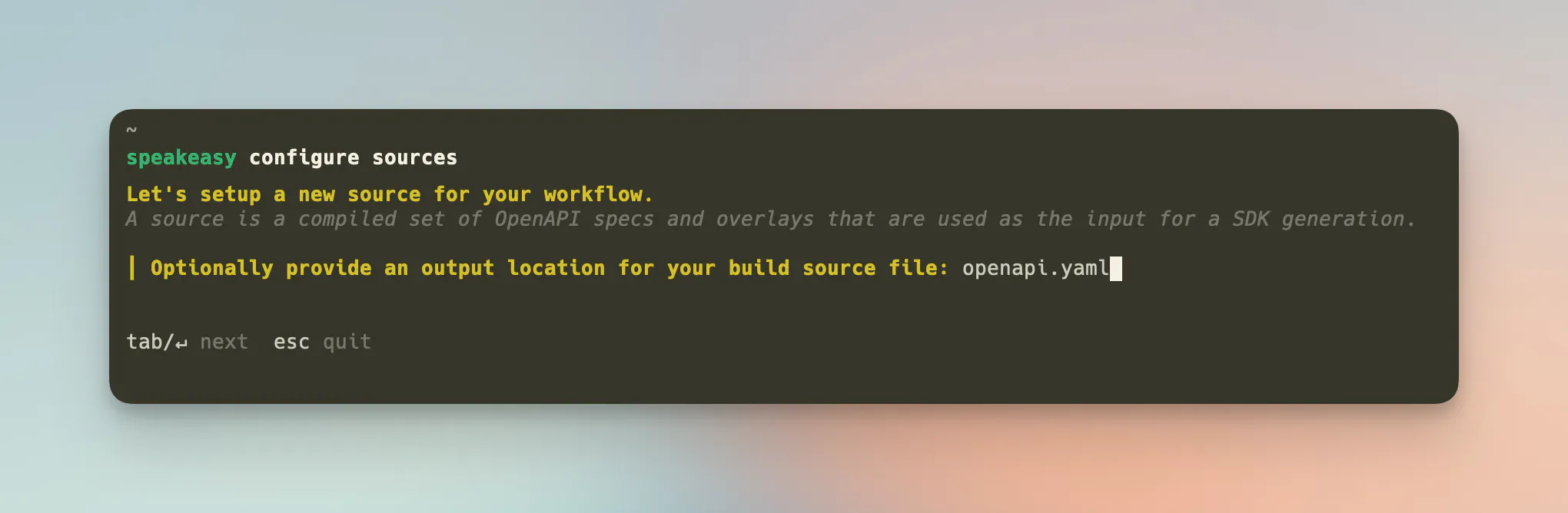
 Provide a name and path for the OpenAPI spec. This will be the final spec used by Mintlify.
 Finally, Add your
 SPEAKEASY_API_KEY as a repository secret to your Minlify repo under Settings > Secrets & Variables > Actions. Find the Speakeasy API key in the Speakeasy dashboard under the API Keys tab.
Manual Set Up
Alternatively, you can manually set up the following files in your Mintlify docs repo..speakeasy/workflow.yaml
.speakeasy/workflows/sdk_generation.yaml
SPEAKEASY_API_KEY as a repository secret to your Minlify repo under Settings > Secrets & Variables > Actions. Find the Speakeasy API key in the Speakeasy dashboard under the API Keys tab.