Preview deployments are available on Growth and Enterprise plans.
Creating preview deployments
Preview deployments are created automatically through pull requests or manually from your dashboard.Automatic previews
When you create a pull request, the Mintlify bot automatically adds a link to view the preview deployment in your pull request. The preview updates each time you push new commits to the branch.

Manual previews
You can manually create a preview for any branch if you are on a Growth or Enterprise plan or have the preview deployment add-on.- Go to your dashboard.
- Select Previews.
- Select Create preview.
- Enter your branch name.
- Select Create deployment.
Redeploying a preview
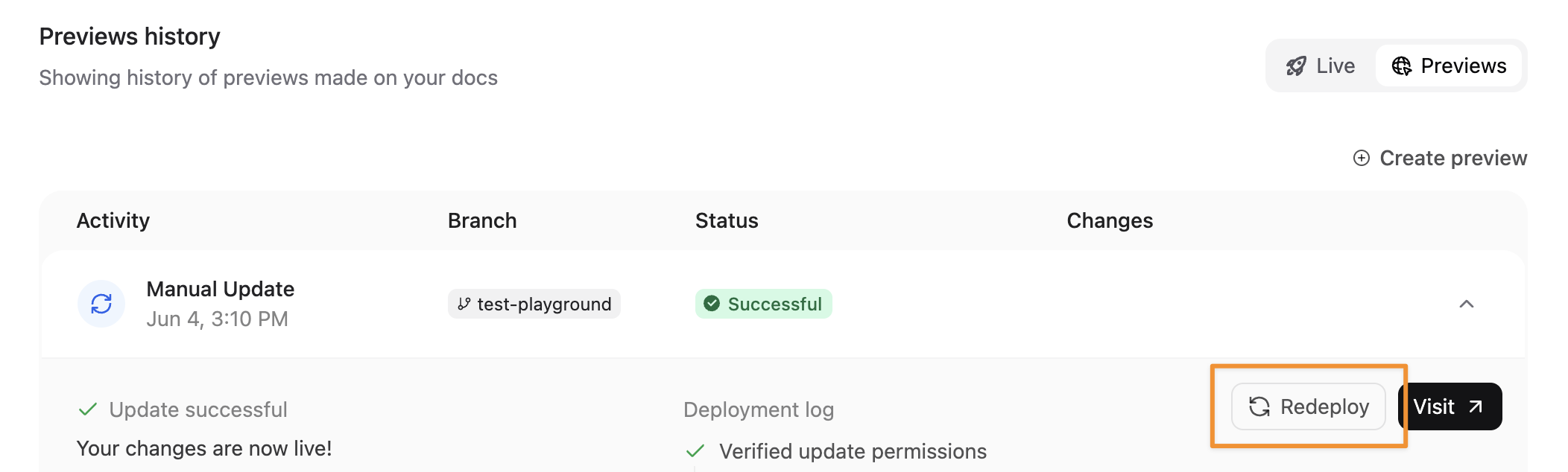
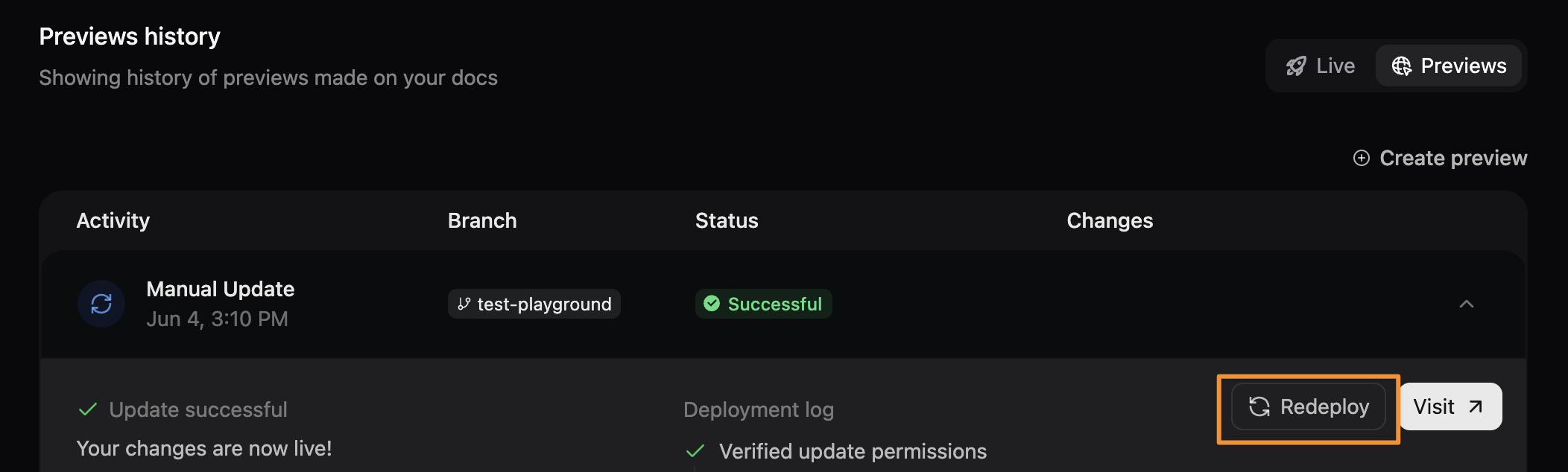
Redeploy a preview to refresh content or retry after a failed deployment.- Select the preview from your dashboard.
- Select Redeploy.